Trusted by 15,000+ Organizations Worldwide

Active Time Tracking Software
To Measure Real Work Engagement

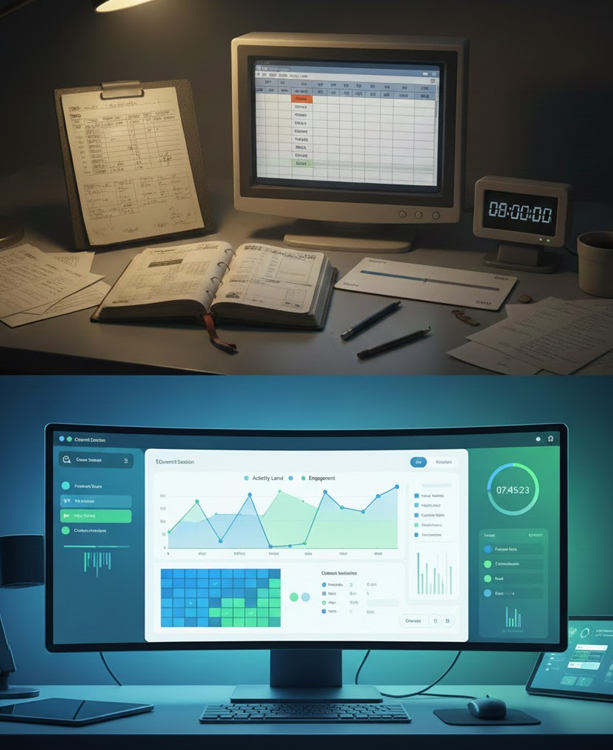
In today’s changing work environment, many businesses need more than traditional tracking tools. Simply knowing when someone logs in doesn’t tell the whole story. That’s why we developed active time tracking software — to help you understand how work really happens.

Free Trial Available
Instant Results
Enterprise Grade
Active Time Tracking Explained

Overview Active Time Tracker

A tool that measures when employees are actively working on their devices, not just logged in. Our software tracks active time based on real interactions with applications, tasks, and work tools.


 Google logo
⭐ ⭐ ⭐ ⭐ ⭐

5/5

Product Hunt logo
⭐ ⭐ ⭐ ⭐ ⭐

5/5

Software Suggest logo
⭐ ⭐ ⭐ ⭐ ⭐

5/5

Good Firms Logo
⭐ ⭐ ⭐ ⭐ ⭐

5/5

Why active time tracking matters

Why It’s Important

With remote and hybrid work arrangements becoming standard, traditional tracking fails to show how time is actually used. It only indicates that someone was logged in. Our software helps you answer questions like

Accuracy

We provide accurate measurement of active time showing how employees spend their time during shift timings.

Visibility

It gives clear visibility and helps managers understand when employees are truly engaged with task and working applications.

Accountability

Our software records all active time during employees’ shifts; it encourages employee’s accountability as a team member.

Planning

Insights from active time allow managers to see when employees are actually working, which helps them plan tasks better

Employee support

When managers understand employees’ active time patterns, they can provide support where needed such as coaching.

Project tracking

Active time helps track how much time is spent on each project provide transparency and helping to complete projects.

Tracking Process

How Software Captured Active Time

Our software works silently in the background once installed. No need to manually start timing our software automatically starts when you logged in. Our active time tracker continuously monitoring key signals.

Background

Keyboard

Mouse

Focus

Keyboard activity

Our software automatically tracked your keyboard activity during the shift hours like when employees type, input data through keyboard.

Mouse movement

Mouse movement detects when employees interact with their device through clicks or cursor movement while working.

Task window focus

Task window focus refers to which application or window is actively open and being used at given time.

⚡ Fast, free, and no card required

Comparison

Active time vs Traditional Time Tracking

Many businesses use simple login/logout systems or manual time sheets. These methods only start and end sessions.

  • Time tied to interaction, not just presence
  • Engagement pattern is visible over time
  • Managers do not need to collect manual time entries.
  • Fair and transparent tracking of actual engagement
  • Active time data is collected constantly
Connect With Experts
Features

Advantage Time Tracking Software

When developing our active time software, we focused on features that matter to teams, leaders and HR professionals.

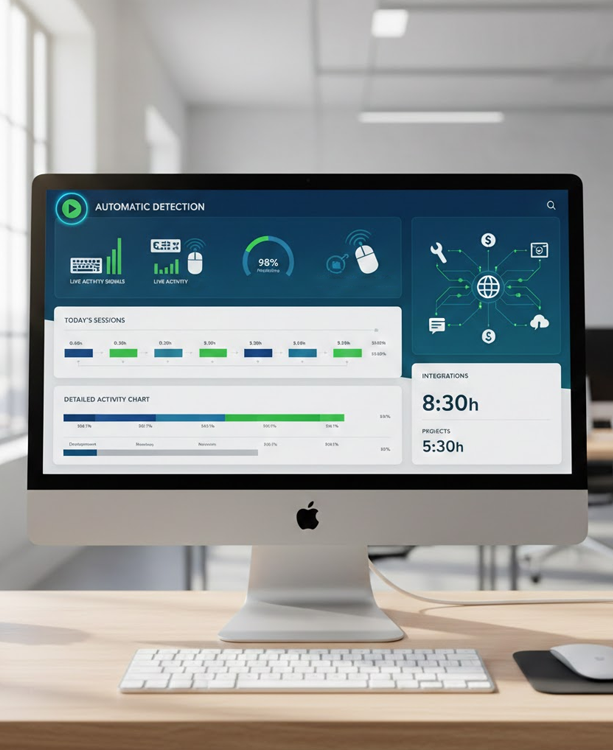
Automatic detection

Our software records real time engagement automatically without disturbing employees. No need to take manual effort

Detailed session

Get session summaries that show how much time was truly active versus unengaged.

Integrations

We connect with your current project and HR tools to share active time data easily

Team Benefits

How Team Benefits

active Time Tracking Software benefits
comparison
Customer Support Department

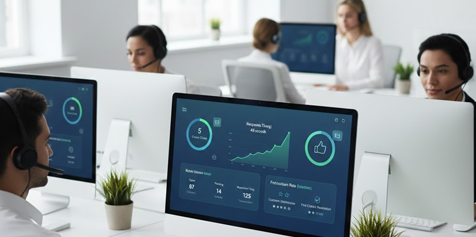
Our software shows which agents spend more active time addressing tickets and which agent need additional support.

marketing team
comparison
Marketing and Content teams

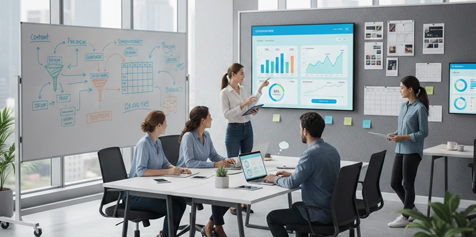
Creative roles often involve writing and research. Traditional timers might miss the value of these activities.

Steps

How to Get Started with Software

Getting started with our time tracking software involves simple steps, here we try to explain how you can use our software from starting to end.

Steps
Create account

Signup

Signup with our software to access admin dashboard and setup options

Steps
Define work policies

Policies

Set clear rules that define active time, idle time, and work hours.

Steps
Deploy the tracking agent

Deployment

Install our software on employee devices to begin tracking

Steps
Organize team rules

Organization

Group users by team, departments or roles view active data in structured and meaningful way

Steps
Monitor live data

Monitoring

View real-time activity status and analyze reports to understand work patterns and overtime

Steps
Optimize settings

Optimization

You can review active time data to adjust tracking settings, understand how workflows, and plan tasks and schedules more effectively.

Video

Active Time Tracking in Action

In this demo video learn how active time captured automatically and how it helps you understand work patterns without manual entries.

<
Video
FAQs
Common Questions

Still Have Questions? Our Team is Here to Help!

Contact Our Experts
Real Experiences
Stories from Our Clients

"Since we started using active time tracking software keeping track of our tasks has become so much easier. I spend less time worrying about who’s doing what and more time actually working with my team"

SM

Sarah Mitchell

Toronto, Canada

"WorkDesQ makes it simple to see how our team spends their day. The reports are clear, and I can quickly understand where we need to adjust. It’s straightforward and practical."

LC

Lukas Schneider

Berlin, Germany

"I wasn’t expecting much at first, but active time tracker really helps our team stay on track. Everyone knows what they should focus on, and I can finally get a real sense of our workflow."

ER

Emily Rodriguez

Sydney, Australia

Ready to Get Started?

Join thousands of security teams protecting their organizations. Start with our free plan today—no credit card required.