See Productivity in Real Time.
Monitor employee activity, track work hours, and improve team efficiency with powerful insights.
Managing remote teams is not limited to assigning work to remote employees, you need remote working tools for communicating, assigning work, file sharing, holding meetings, tracking progress and getting a clear view of how employee work is being done.
The best setup is not always using more tools because more unnecessary apps can create confusion and waste time. A good remote team needs tools that solve problems, reduce confusion and make work easier.
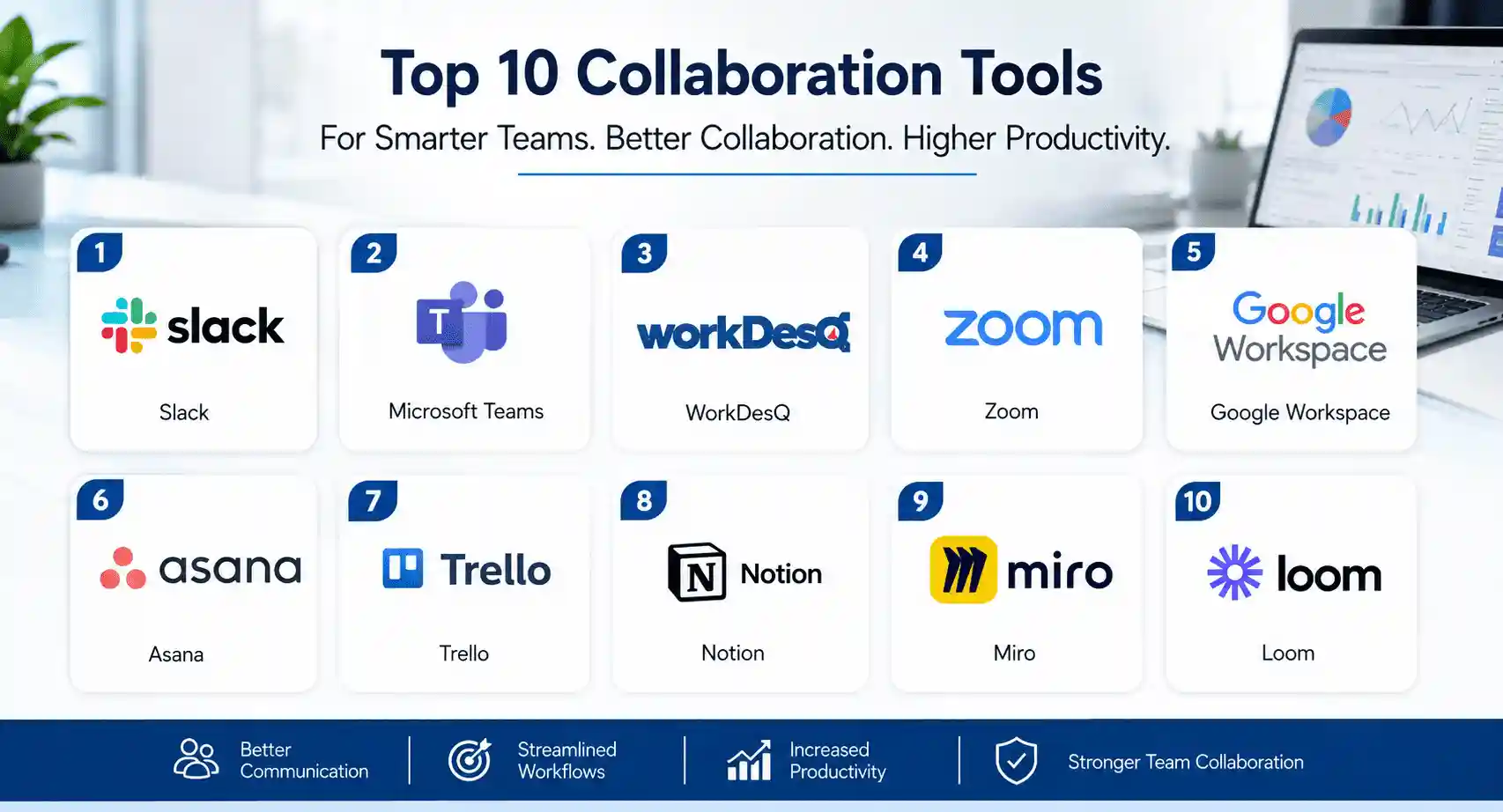
In this guide you will learn about top 10 remote working tools that help manage remote teams.
- 1. Slack – Best for team communication
- 2. Microsoft Teams – Best for using Microsoft Office 365
- 3. WorkDesQ – Best for tracking remote employee work and activity
- 4. Zoom – Best for video call meetings
- 5. Google Workspace – Best for file sharing and daily work
- 6. Asana – Best for project and task management
- 7. Trello – Good for visual task tracking
- 8. Notion – Best for team documents and shared information
- 9. Miro – Best for visual planning and team sessions
- 10. Loom – Best for recorded video updates
Every tool is used for different purposes and you have chosen the right tool according to your needs.
1. Slack – Best for Daily Team Communication
Slack is one of the common remote working tools that helps managers and employees for fast and organized communication.
Instead of mixing every conversation in one place you can create separate channels for projects, clients and departments. This keeps conversations organized.
Employees can send direct messages, share files, reply to messages to threads and start quick calls when needed. Here are some features of Slack
- Team channels
- Direct messages
- Threaded conversations
- File sharing
- Quick audio and video conversations
- Connection with other work tools
2. Microsoft Teams – Best for Microsoft 365 Teams
Microsoft Teams are helpful for those businesses that already use Microsoft 365. It includes chat, meetings, calls and file collaboration in one place, Remote teams can work on documents and communicate with managers without switching apps.
This tool makes work easy for those companies which use Outlook, Word, Excel and different Microsoft tools. Here are some useful features
- Team and private chat
- Video meetings
- File sharing
- Calendar support
- Document collaboration
- Integration with Microsoft work apps
3. WorkDesQ – Best for Tracking Remote Employee Work
Communication and task tools only show what teams are discussing, which work plan is being used, but managers want to understand how employees spend their time during shift timings. You can easily track remote employees’ work activity.
WorkDesQ helps companies who understand remote employees’ work patterns, time tracking, review application usage, and monitoring attendance. Here are some useful features
- Employee time tracking
- Attendance tracking
- Application usage tracking
- Idle time tracking
- Screen monitoring
- Productivity reports
WorkDesQ Better Visibility Into Remote Employee Work
4. Zoom – Best for Remote Meetings
Remote teams need face-to-face meetings because all employees work from different places. Employees can join video calls, share screens, record meetings and are best for small group discussions. Here are some features
- Video meetings
- Screen sharing
- Meeting recording
- Breakout rooms
- Team chat
- Webinar support
5. Google Workspace – Best for Sharing Files and Working Together
Google Workspace is good for remote teams that work together on documents, spreadsheets, presentations, email and shared files. Some common features are
- Gmail for work email
- Google Drive for file storage
- Google Docs
- Google Sheets
- Google Slides
- Google Meet
- Shared calendar
6. Asana – Best for Managing Projects and Tasks
Asana helps managers and employees to see what work is being done, which employee is responsible and when a task is completed.
For remote teams it is important managers cannot see work at every employee’s desk and this software helps to understand what the current work status is. Here are some common features
- Task assignments
- Due dates
- Project views
- Task status updates
- Team goals
- Project timelines
7. Trello – Best for Simple Visual Task Tracking
Trello is one of the common remote working tools which helps to give a simple way to manage tasks. This tool uses boards, lists and cards for example remote teams make lists
- To do list
- In progress
- Waiting for review
- Completed task
You can use features
- Visual boards
- Task cards
- Due dates
- Team members
- File attachments
- Checklist
8. Notion – Best for Team Documents and Shared Information
Management needs a clear place for storing important information for remote teams because when this tool is not available then employees ask the same question again.
Notion can be used for creating team pages for company information, project notes, work processes and guides. Some useful features
- Team pages
- Shared documents
- Project information
- Meeting notes
- Checklists
- Company guides
9. Miro – Best for Visual Team Planning
Some work discussions are easier in a visual way, for example planning new projects for teams, mapping work progress, collecting ideas and preparing workshops.
Miro provides shared online boards to remote teams where people can add notes, shapes, images and visual content.
- Online whiteboards
- Employees can write sticky notes
- Ready-to-use templates for planning and brainstorming
- Visual planning
- Workshop support
10. Loom – Best for Recorded Video Updates
Not every update requires a live meeting, Loom provides facility to employees and managers to record videos and explain something on screens and other people can see video on when employees are free. Here are some useful features
- Screen recording
- Camera recording
- Video sharing
- Easy links
- Recorded work updates
- Training and problem-solving videos
How to Choose the Right Remote Working Tools
Before choosing remote working tools you need to understand your real problems. You should focus on these questions.
- Where is communication getting lost?
If employees miss important messages, then you need a better communication tool.
- Can everyone see their tasks clearly?
If employees feel confused about deadlines and responsibilities then project management tools play an important role.
- Are there too many meetings?
Recorded videos and written updates can help to reduce unnecessary calls.
- Do managers need better visibility into remote work?
A good work tracking tool helps to understand attendance, time tracking and work activity.
Final Thoughts
The best remote working tools help to keep remote teams connected with management; it does not matter employees are working from different locations. Slack and Microsoft Teams are good for communication, Zoom is good for video calls. Google Workspace makes file collaboration easy, Asana or Trello is best for task management, Notion is important for organized information, Miro supports visual planning, Loom helps reduce unnecessary meetings and WorkDesQ is best for tracking employee work activity, time, attendance and application usage.
Every tool has a clear work purpose which helps remote teams in daily tasks and more focused on their actual work.