If you’re an HR or a company manager, you may have a question in your mind
- Everyone looks busy
- Everyone working laptop
- The machines also working
Then why is the output so slow? The deadline is missing, the company costs are rising and the team’s energy is gradually dwindling, yet productive work isn’t happening.
There is a noticeable gap between total working hours and productive hours. This is called idle time. In this blog, we will explain how to calculate idle time. The trick is to know what is happening inside the actual working hours
What is Idle Time?
Before calculating idle time, let’s understand its actual meaning.
Idle time is when employees are available for work but are not actually working. Let’s understand it better with an example.
If an employee has been in the office for 8 hours since morning, but has worked only for 5 hours, then 3 hours of this could be idle time.
What is Idle Time in Real Life?
Let’s understand idle time with real-life examples, such as:
- An employee logs in at 9 AM
- Waits 30 minutes for instructions on what to do today
- Then, their system crashes for an hour.
This waiting time and the 1hour system crash called idle time. Idle time does not necessarily mean the employee is lazy or underperforming. It simply means the employee was available to work but a situation occurred that prevented them from completing their work, increasing their idle time. If you want to know what is underperforming employee you can read our blog “How to Handle an Underperforming Employee”
Idle Hour Meaning vs Ideal Time Meaning
| Aspect | Idle Time | Ideal Time |
|---|---|---|
| Simple Meaning | Time that was not used for work | The perfect time a task should take |
| What is happening? | Person is free but not working | Work is done in the expected time |
| work done? | No | Yes |
| Is it planned? | Usually not planned | Planned or expected |
| Example | An employee waits 1 hour for data | A task should normally take 2 hours to finish |
| Why it matters | Helps find wasted or waiting time | Helps set the right performance expectation |
Why Managers Should Understand Delay Time
When you manage employees, you should notice things like output, deadlines, and attendance. However, idle time between tasks is something that few people notice because it doesn’t happen loudly. It happens silently and quietly impacts many things.
- Payroll costs
- Project timelines
- Team morale
- Client satisfaction
If you ignore these things, you’ll never be able to calculate idle time and it will simply be guesswork.
Simple Steps to Calculate Idle Time
This is a practical part that all managers should follow., so let’s start.
Step 1 Find the Total Working Time
This is the time when an employee joins the company. He is told how many hours he has to work every day. Let’s explain with an example:
- 8 hours per day
- 40 hours per week
- 480 minutes per shift
Step 2 Measure Productive Time
This is the time that is considered real productive hours, that is, how many hours he actually worked. Let’s understand this with examples:
He had an 8-hour shift, and he only worked 6 hours during that shift
Step 3: Apply the Idle Time Formula
There is a basic formula for calculating idle time. Apply it:
Idle Time = Total Working Hours – Productive Time
By following these steps, you will learn how to calculate idle time.
How to Find Idle Time Percentage?
When you report to your boss, your boss always likes to see a percentage of idle time. So, there’s an easy formula you can apply to calculate the percentage:
Idle Time % = (Idle Time ÷ Total Available Time) × 100
Example
- Idle time = 2 hours
- Total time = 8 hours
(2 ÷ 8) × 100 = 25%
This means 25% of the shift was idle.
Now, you are not guessing. You are calculating idle time on a practical basis.
Calculating Idle Time in Different Cases
It is not necessary that you can calculate idle time for everyone in the same way. Idle time is different in everyone’s case. Let us understand it with some examples
- Office Employee
Riya works in HR.
Her shift is 9 hours and one hour break
Total Working hours = 8 hours.
Her day looked something like this:
- 5.5 hours of like recruitment work
- 1 hour of meeting
- 1.5 hours of waiting for approvals
Idle time = 8 – 6.5 = 1.5 hours
Idle % = (1.5 ÷ 8) × 100 = 18.75%
This is a simple office idle time calculation.
- Remote Team
Idle time is invisible in remote teams and they are working from different locations. Let us understand with example
8 hours logged in
4 hours of focused work
2 hours of internal waiting
2 hours of unclear tasks or distraction
Idle time = 4 hours
Digital tools give you clarity without micromanaging. If you want to know how to monitor employees without micromanaging, we have also detailed blog post that covers this.
Common Causes of Idle Time
When you calculate idle time, you have question in your mind why is idle time increasing? There are many reasons for this:
Lack of proper planning by the manager
- Project allocation taking time
- Office laptops or computers breaking down
- Overstaffing
- Employees not feeling like working
All of these factors lead to increased idle time and if they are not solved, they could become a big problem for the company in the future. If these are problems are solved early you won’t need to calculate idle time.
How to Calculate Idle Time Using Software
Let’s make this very easy to understand.
Think of software like a smart notebook.
It watches working time and shows where time was used and where it was not used.
Here is how it works.
Step 1: Install the Software
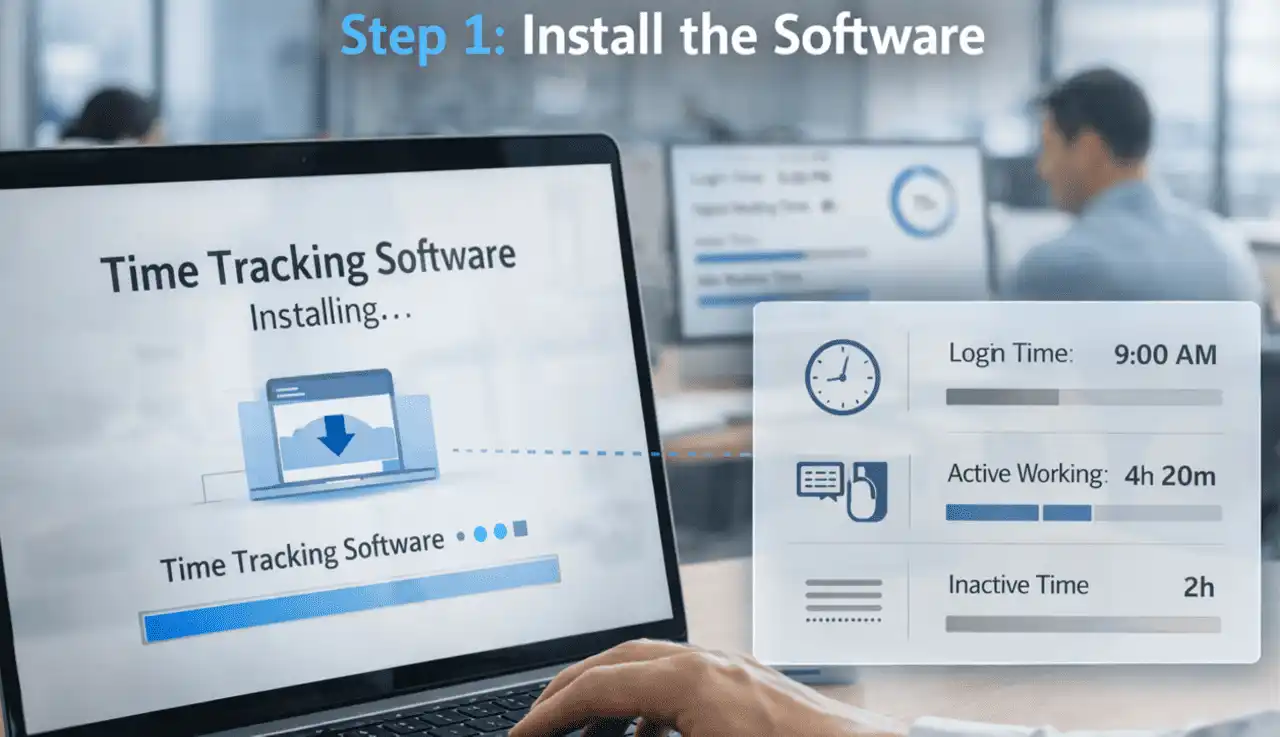
You have to install time tracking software in the employee computer.
This software runs silently in the background and it starting record
- Login time
- Active working time
- Inactive time
Step 2: Track Total Working Time
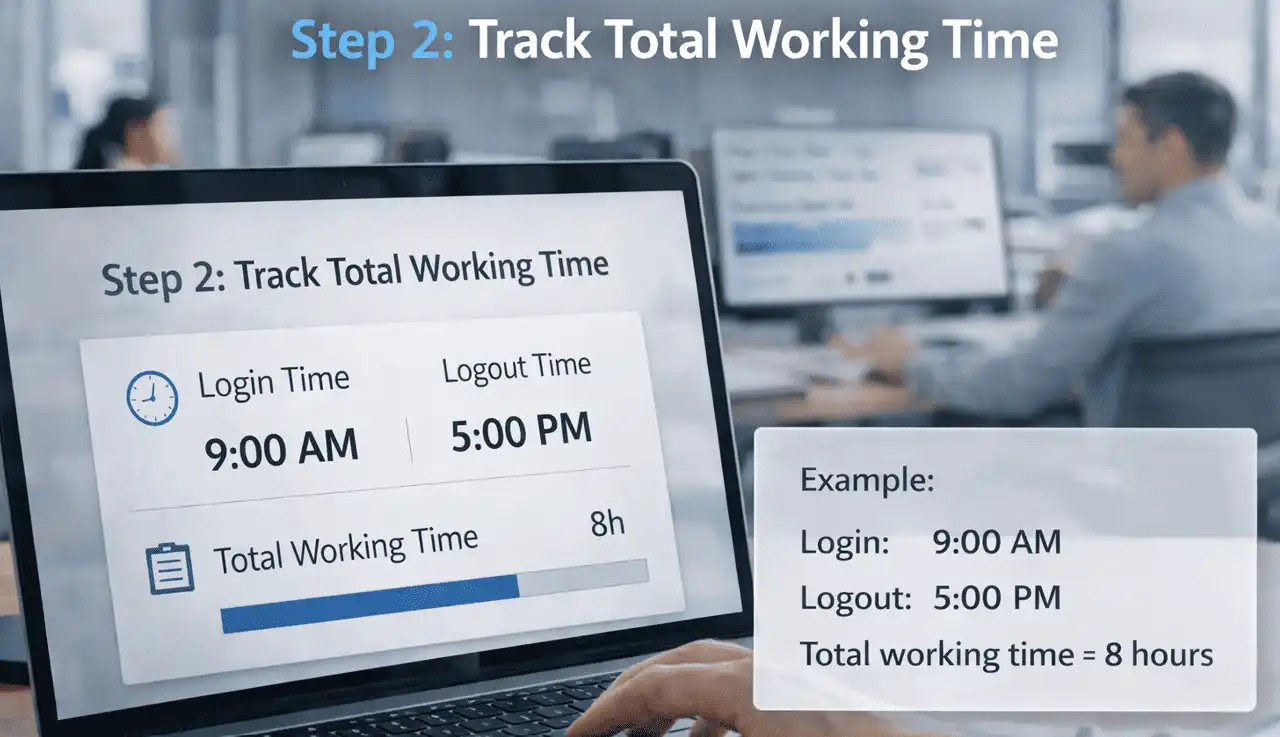
The software checks:
- When the employee logged in
- When they logged out
Example:
Login: 9:00 AM
Logout: 5:00 PM
Total working time = 8 hours
Step 3: Track Active Time
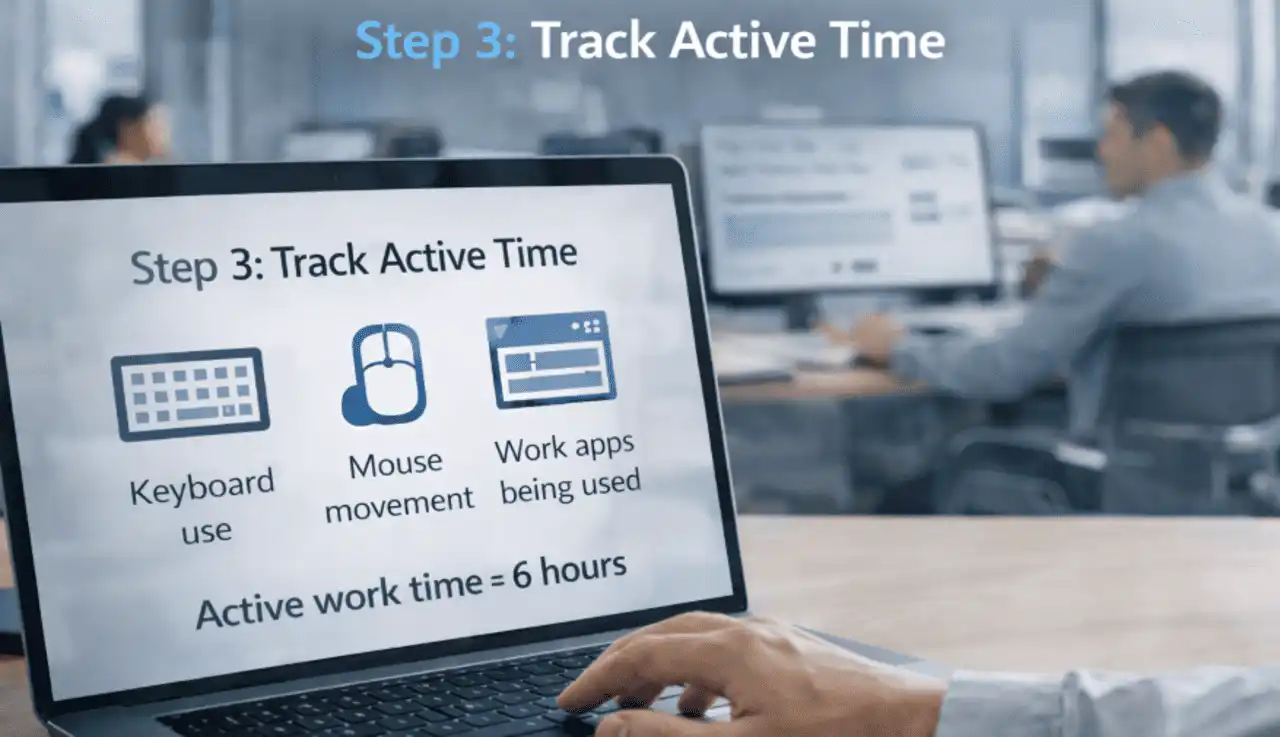
The software also checks:
- Keyboard use
- Mouse movement
- Work apps being used
If the employee is working, it counts as active time.
Example:
Active work time = 6 hours
Step 4: Detect Idle Time
If there is no keyboard use or mouse movement for some minutes and the software marks it as idle time.
Example:
No activity for 2 hours during the day
Idle time = 2 hours
What the Report Looks Like
The software usually shows:
- Total hours worked
- Productive hours
- Idle hours
- Idle percentage
Everything is clear in one place.
You can use software to automatically calculate idle time with this process. If you’re looking for a tool that’s affordable, automatically tracks idle time and isn’t too complicated, you can use our idle time tracking software.
Manual vs Automated Idle Time Calculation
| Point | Manual Method | Software Method |
|---|---|---|
| How it works | Writing on paper | System records time automatically |
| Tools used | Excel sheets or supervisor notes | Time tracking tool |
| Accuracy | Less accurate | High accuracy |
| Time needed | Takes extra time | Saves time |
| Human mistake | High chance of mistakes | Lower chance of errors |
| System issues | Cannot record downtime properly | Can track system downtime |
| Login vs active gap | Difficult to calculate clearly | Shows both login and active time |
How to Calculate Idle Time Without Breaking Trust
Whenever you track an employee’s idle time, questions arise in the employee’s mind, such as, “Isn’t my time being monitored?” or “I’m being considered lazy?” Managers need to be prepared for these questions in advance. Therefore, when managers initiate idle time tracking, they should first explain to the employee:
- Why is this tracking happening
- How is this tool beneficial for you
- Which data will be tracked
If your answer is yes to all of these, you can easily calculate idle time.
Idle Time vs Break Time
| Point | Break Time | Idle Time |
|---|---|---|
| Meaning | Planned rest time | Time when no work is being done |
| Is it planned? | Yes | No |
| Is it allowed? | Yes, officially allowed | Not usually planned or approved |
| Is it needed? | Yes, for rest and energy | Not required and often avoidable |
| Why it happens | Lunch, tea, or scheduled breaks | Delays, waiting time, or work gaps |
How to Reduce Idle Time
Once your first problem is solved like how to calculate idle time and why it is happening the next step would be is how to reduce idle time.
- Eliminate approval layers
- Increase workflow visibility
- Balance workload
- Support employees with planning
The goal of a good leader is to increase productivity, not create pressure.
Real Leadership Insight
A manager in a company wondered why his employees were underperforming so much. He calculated the idle time and solved the problems caused by it. Within a month, things improved.
- The team’s total idle time dropped to 10 percent
- Projects began to be delivered efficiently
- The company began to grow rapidly
As the system improved, idle time decreased.
When Idle Time is Good
It may sound a little strange, but idle time can sometimes be good and benefit both the employee and the company.
Creative thinking leads to new plans, and new plans generate profits. This benefits both the company and the employee.
Mental reset: When your mind feels tired, you can take a short break and reset.
Sometimes idle time can remove burnout. If you want complete information about burnout read our blog, “Signs of Burnout at Work.”
A Quick Summary on Idle Time
Calculating idle time is not just about spying or controlling employees. It’s a way to understand work patterns and respect payroll and projects.
When you know how to track idle time, you eliminate the guesswork and improve your team. We have provided some basic formulas to help you calculate idle time easily. Or you can use our tool, WorkDesQ idle time tracking, which calculates idle time for you automatically.