Tracking project progress reports is important for every company because it shows how much work has been done, how the budget is being used on a project and when the project is to be completed. It also helps check the quality of the work of employees. That is why a project progress report is a very useful tool for managers, employees and clients.
These reports give managers, clients and team members a clear view of the project and showing which tasks are finished and what milestones have been reached.
In this blog, we will cover
- How to create a project progress report
- How to use and improve it effectively
- Project progress report templates
What is a Project Progress Report?
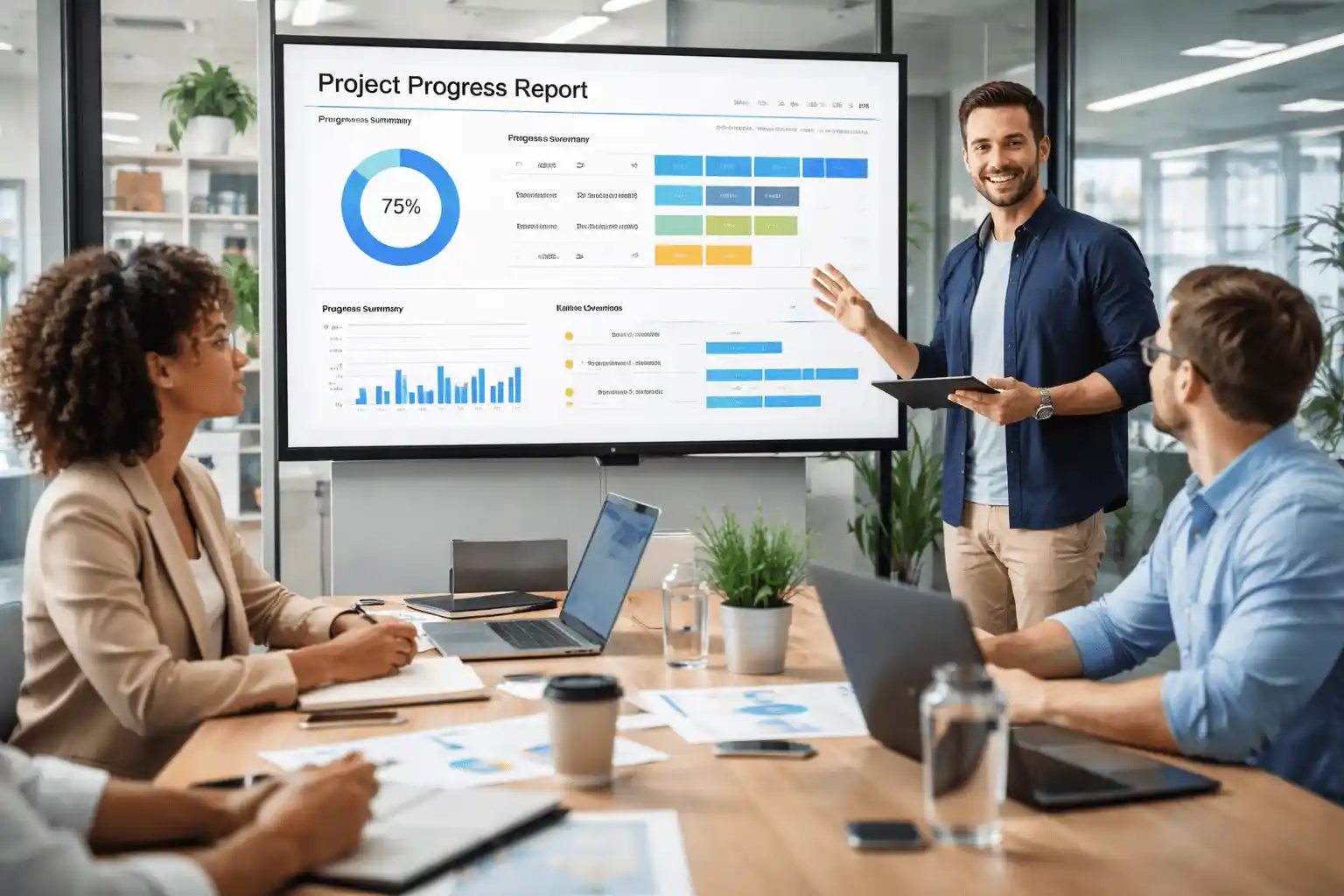
A project progress report is a simple document that shows the what is current status of a project and It includes
- How many task employees already completed
- Work that is still going on
- These reports tell you how much risk involved in the task
- Plans for what will happen next
- What is deadline of projects
Project Progress Report vs Generic Status Report
| Point | Project Progress Report | Generic Status Report |
|---|---|---|
| Focus | Based on real data and numbers | General update without much detail |
| Detail Level | Gives full details of tasks and milestones | Gives a short and simple overview |
| Style | Shows clear results and progress | Mostly gives basic information |
| Tracking | Shows task status clearly | May not clearly show task status |
| Milestones | Tracks milestone timelines | May not focus much on milestones |
| Budget | Shows how much budget is used | Budget details are limited or missing |
| Risks | Clearly shows risks and problems | Risks are not clearly explained |
| Use | Helps in better decision making | Used only for quick updates |
This comparison gives exact answers
- Which tasks are completed?
- Are milestones on time or delayed?
- How much budget has been used?
- Are there any risks or problems?
A good project progress report is not only used for communication but also used to maintain historical records for future project planning and it helps in improving.
Main Purpose of Project Progress Report
A project progress report is not just for sharing updates with clients.
Tracking Project Performance
It helps you to see if work done on time and task getting finish as planned or not
Solving Problems Early
Clear report helps you see problems early, so you can fix them before
Keeping Project Records
It helps to remind you what work was done and what decision made
Better Decision Making
helps you choose what to do next using clear and correct information.
Who Receives the Project Progress Report?
A project progress report is shared with different people according to the project. The main person who receives the reports
- Managers and Team Leaders
- Team Members
- Sharing with clients so they can check task status
- Company Owners or Executives
Type of Project Progress Report
There are many types of reports according to project demand like timeline and client expectation.
Daily progress report
In this report you can see daily employee work achievement and highlight daily current tasks and problems in tasks.
Weekly progress reports
You can check the summary of weekly achievements and problems including tasks and dependencies.
Monthly Progress Report
In this report you can check detailed updates and budget utilization and you can also check project status.
Quarterly progress report
It records performance trends and financial summaries.
What are the elements of Project Progress Report
When you create a progress report you should not miss some main points like
- In general project information
Project name
Project manager name
Mention reporting period
Mention how many Team member are involve
- Summary of progress
Detailed overview of employee achievement and highlight completed tasks
- Detail task updates
Task by owner, mention start and end date and also mention completed tasks and status of tasks.
- Milestone Review
Compare completed milestones with the project plan and highlight milestones that are delayed or at risk
- Budget and Resource Utilization
Compare budget spent with planned budget and check how resources are being used (team, equipment, tools)
- Action Plan
List next actions, who is responsible, and expected completion dates
Sample Table of Progress Project Reports
This is the ready sample progress report so you can copy from here and edit it and update directly in your excel sheet for best use.
| Project | Task Name | Status | Start | End | Progress | Person | Remarks |
|---|---|---|---|---|---|---|---|
| Website Redesign | Create Home Page | Completed | 01 Mar 2026 | 05 Mar 2026 | 100% | Rahul | Work done on time |
| Website Redesign | Design Contact Page | In Progress | 06 Mar 2026 | 10 Mar 2026 | 60% | Priya | Need small changes |
| Mobile App | Login Feature | Completed | 02 Mar 2026 | 06 Mar 2026 | 100% | Amit | Working properly |
| Mobile App | Payment Setup | Delayed | 05 Mar 2026 | 12 Mar 2026 | 40% | Neha | Waiting for approval |
| Marketing Campaign | Social Media Ads | In Progress | 03 Mar 2026 | 15 Mar 2026 | 70% | Suman | Good response |
| Marketing Campaign | Email Campaign | Not Started | 10 Mar 2026 | 18 Mar 2026 | 0% | Karan | Will start soon |
How to Create Project Progress Report
Here are some steps you need to follow to create a proper project report
- Understand the purpose to create project report like you want daily updates, approvals or performance evaluation
- Collect all important project details like which task is finished, how much money is spent on completed tasks or is there any risk involved
- Choose a format like you want to create a project progress report in excel or word or PDFs
- Create proper sections and make sure your report is neat and clean so that it is easy to understand for everyone. You can divide report into clear parts and arrange information in order
- Use charts and dashboard to understand information easily and quickly. with the help of charts reports are easy to read and they show status of project progress report clearly
- Last and final step and this is the main step, check reports carefully before sharing and make sure all information is correct.
Ready to use Project Progress Report Templates
These are ready to use progress report templates so you can use these in your official works as per your requirement also you can add some sections by yourself
| Date | Project Name | Task Done Today | Status | Issues | Next Step |
|---|---|---|---|---|---|
| 25 Mar 2026 | Website Project | Home page design | Completed | No issue | Start contact page |
2. Weekly Project Progress Report Template
| Week | Project | Work Completed | In Progress | Delays | Next Week Plan |
|---|---|---|---|---|---|
| Week 1 | Mobile App | Feature completed | Payment setup | Delay in approval | Complete payment |
3. Monthly Project Progress Report Template
| Month | Project Name | Tasks | Pending Work | Budget | Remarks |
|---|---|---|---|---|---|
| March | Marketing Campaign | Social ads done | Email campaign | ₹20,000 | Good progress |
4. Simple Task Tracking Template
| Task Name | Start Date | End Date | Status | Responsible Person | Notes |
|---|---|---|---|---|---|
| Design Page | 01 Mar | 05 Mar | Completed | Rahul | Done on time |
5. Project Summary Report Template
| Project Name | Total Tasks | Completed | In Progress | Delayed | Overall Status |
|---|---|---|---|---|---|
| Website Redesign | 10 | 6 | 3 | 1 | Good |
Use Dashboards to Make Reports Better
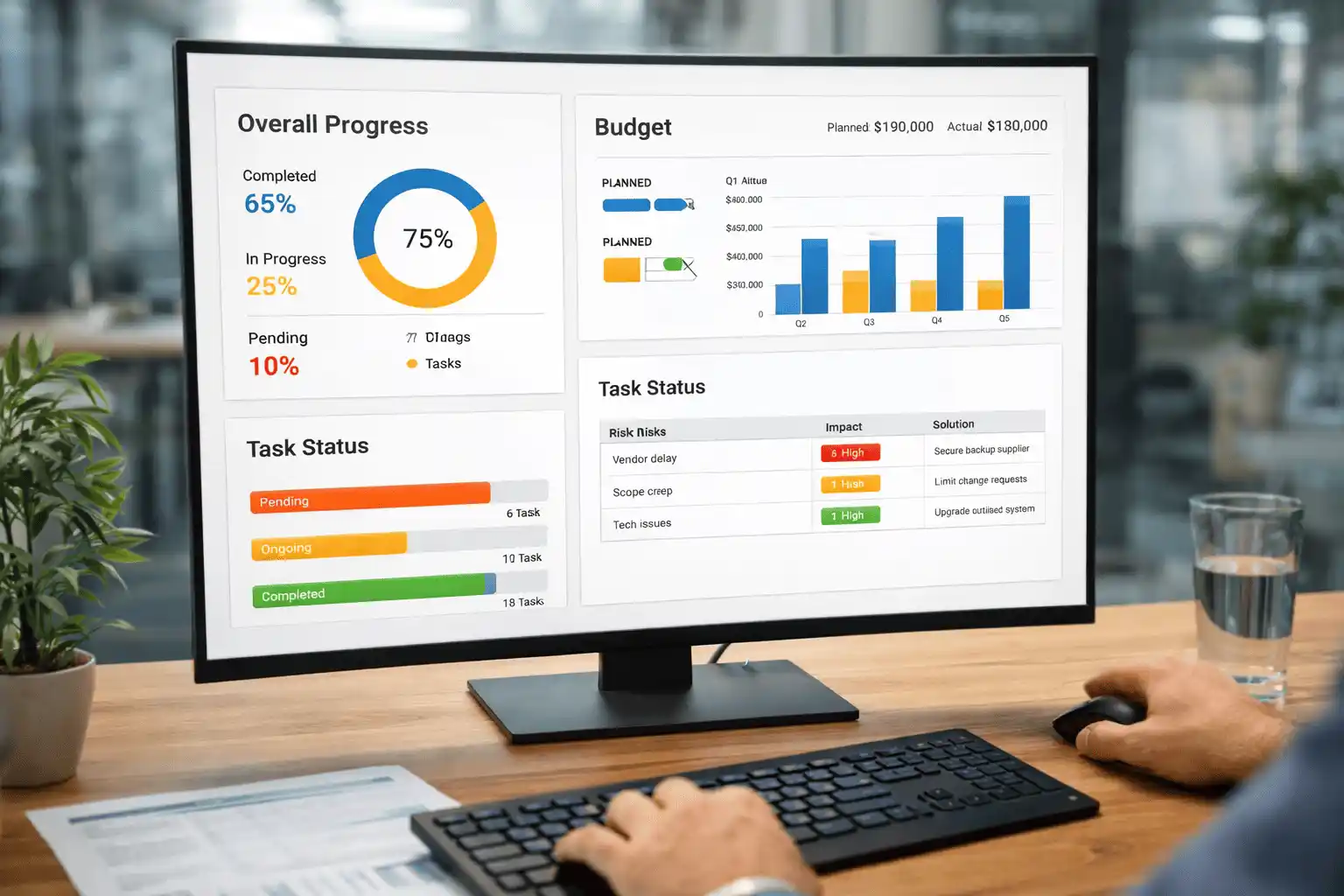
Dashboards provide live status of the project and are linked with reporting data
Here are some important parts to include in the dashboard
Overall progress
Show how much work is done how many tasks are in progress and how many tasks are pending
Budget money
It shows data of planned money and actual used money like bar charts
Project task status
Shows task condition. You can use colors
like red, yellow and green. Red for pending tasks, yellow for ongoing tasks and green for completed tasks
Risk Overview
This shows risk involved in table with level like impact and solution
Best Practices for Project Progress Report
If you are creating a project progress report, use these best practices to create proper and useful report
- Keep report very simple
- Update regularly
- Use clear data
- Be honest in reports and show problems clearly
- Use visuals and add charts and graphs for better understanding
- Do not use or add extra details in reports because it leads to confusion
- Create reports always in one format only
- Add next steps column in report for mention what will be done next
Common Mistakes to Avoid
- Adding too much information in project progress reports like unnecessary details which is not useful for task
- Reports are not updated regularly because old data provide wrong information
- Update wrong information or incomplete information which leads to big confusion
- Hiding problems like delays or problems
- Using hard language in reports so it is not good for everyone
- Creating report in different formats like one report in excel or other report in PDFs because of these reports look messy and hard to understand
- Not mentioning next step in report
- Not using charts or graphs in task progress report.
Benefits of Strong Project Progress Reports
- A good project progress report helps everyone understand the project Here are benefits
- Everyone can see what is done or what is left, managers, employees or clients
- Reports are helping to take the right decision
- Teams and managers stay on same page and communicate better
- Reports help in detect problems at an early stage
- Track work progress
- Helps to make better planning
- Reports build trust between clients, teams and managers
How WorkDesQ Improves Project Reports
If you choose our WorkDesQ tool while making project progress reports you will get many benefits like
Automatic tracking
Our software tracks task and time automatically there is no need to collect the data manually
Real time updates
Through our dashboard you can see live projects updates and reports are always up to date
All details in one place
In software you can see all employee details like name, designation and employee ID
Helps in better team management
You can track employee performance easily through our software
Software helps to make right decision for employee with help of clear data and insights
Task Tracking
With the help of our software, you can see which employee takes time to complete tasks
Last Words on Project Progress Reports
At the end of our blog, we must say project progress reports are very important for any company while doing tasks because
- It helps you see how much work is done
- It shows delays at early stage
- It always keeps managers and team updated
A good report is always updated, simple and clear or in short, these reports help manage work better and complete on time.