Many companies are doing their work in remote mode and manage their teams from different cities and countries but remote work comes with big challenges like how to manage communication, tasks and productivity. This is where collaboration tools for remote teams play an important role. Many companies are using team chat tools but they still face many problems like
- Missing deadlines
- Confusing in tasks
- Productivity is decreasing
- Lack of work visibility
In this we will cover and understand
- What are collaboration tools
- Real problems with remote teams
- Choosing right tools
- How productivity improves
What are Collaboration Tools for Remote Teams?
Collaboration tools are tools which help teams work together even when employees are not in the same office
- Tools help teams
- Teams can easily communicate
- Manage task and reports
- Helping in file sharing
- Tracking work progress
- Monitoring productivity
In simple words they work like a digital office for remote teams
The Real Challenges That Remote Teams Face
First, you have to understand what are real problems before choosing tools
1 communication gap
Updates are not clear also missing messages
2 Visibility problems
Managers do not know who is working or not
3 Deadline missing
If a company does not have a proper system then tasks are not assigned properly
4 Using too many tools
When companies use too many tools to track remote teams it leads to confusion because tools showing useless data
5 Low productivity
If companies are not using the right tools then remote teams are not serious about work even, they did not take any responsibility of work
These are the main real problems with remote teams so choosing the right tools is even more important to solve these problems
Types of Collaboration Tools
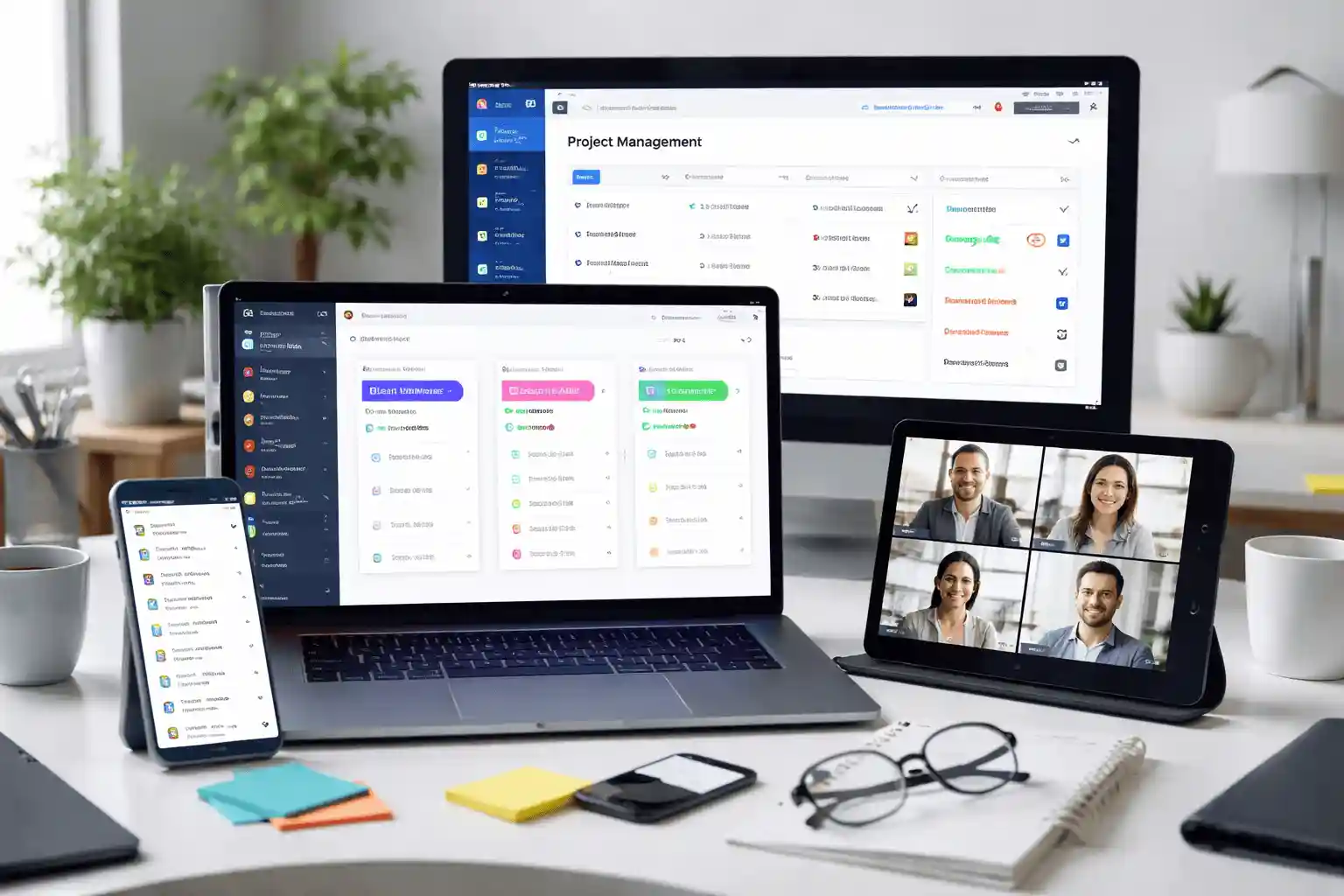
Communication tools
This is used for daily communication like for meetings and updates
Real uses for
- Sharing quick updates
- Teams’ discussion
- Attend videos meetings
Tools name – Slack and Zoom
Project Management Tools
These tools help manage remote team work. In simple meaning everyone knows what to do and when
Real use is
- Assigning task to everyone
- Tracking work progress
- Managing deadlines
Tool name –Asana
File sharing Tools
These tools help in store and file sharing
Real use
- Sharing Excel and PDFs document
- Working together on same file
Tools name – Google drive, One drive and Dropbox
Time tracking & Productivity Tools
These tools show how work is done and calculate total working hours
Real use
- Tracking working hour of remote employees
- Checking employee productivity
- Improving team performance
Tool name – WorkDesQ
Simple Comparison of Collaboration Tools
| Tool | Best For | Problem It Solves | Limitation |
|---|---|---|---|
| Slack | Communication | Fast and easy team chat | No proper task tracking |
| Zoom | Meetings | Easy remote video calls | No task control |
| Asana | Projects | Helps manage tasks and deadlines | Can feel complex for beginners |
| Trello | Small teams | Simple and easy workflow | Limited features |
| WorkDesQ | Monitoring | Tracks time, improves productivity | Needs setup at start |
How to Choose Right Collaboration Tools
Choosing the right tools totally depends on team needs. Here are simple points to help you
Team size
For small team use simple tools and for large team use structure tools
Work Types
Different work types need different tools, not always work one tool. You should know what kind of work you do.
Budget
Money is the main important thing when you choosing collaboration tools for remote teams, if you’re in startup business you must choose small tools and for growing teams you must best paid tools
Ease of Use
If your collaboration tool is too complicated your team will avoid using it so make sure tools are easy to use and no need to take training for setup.
Integration
Choose tools that connect with other tools you already use. For example, email, file storage and project tools
Common Mistakes to Avoid
Many fail after choosing the right collaboration tools for remote teams because companies did mistakes like
Using too many apps – one app for chat, one for tasks, one for files and one for tracking. This creates problems team gets confused and time is wasted
on switching apps
Not training the team – In companies they buy the collocation tools for remote teams but they did not train employees for how to use tools. It is very simple to say if a team is not trained, the tool becomes useless.
Not clear workflow – how work moves from one to another because without workflows no one knows what to do next and work becomes messy
Not tracking productivity – We work daily but do not track productivity. No one checks progress, not reports and no performance tracking. If you want to resolve this issue from your company you can use our productivity tracking tool.
Choosing Tools Without Planning – We saw some companies choosing tools without planning because the tool is popular and competitors use it but in reality, they did not check whether it fit in a team or is it easy to use.
Companies fail not because of tools but because of wrong usage. Using this success formula Clarity + Tracking + Simplicity = Better Productivity
The Proven Workflow of Successful Remote Teams
Successful teams usually use 3 collaboration tools combination for remote teams like
Communication tool using for chat and meetings
Project tool using for task and measuring deadlines
Productivity tool using for work tacking and reports
With the help of these collaboration tools, you will get clarity about workflow, accountability and better output or you can use on line formula in your company
Communication + Task Management + Tracking = High-Performance Remote Team
Free vs Paid Tools Comparison
| Feature | Free Tools | Paid Tools |
|---|---|---|
| Cost | No cost | Monthly or yearly cost |
| Best For | Small teams, startups | Growing teams, companies |
| Features | Basic features only | Advanced features |
| User Limit | Limited users | More or unlimited users |
| Storage | Limited storage | More storage space |
| Support | Basic or no support | Priority support |
| Task Management | Simple task tracking | Detailed task tracking |
| Reporting | Limited reports | Full reports and insights |
| Integration | Few integrations | Many integrations |
| Security | Basic security | Better security and control |
Signs You Chose the Wrong Collaboration Tool
Choosing wrong collaboration tool can create more confusion instead of solving them
- When Team not using tools on regular basis
- When data is wrong or confusing
- Task are getting missed
- Tools showing reports which are not useful
If you are facing these problems in your company, first remove them early, otherwise the company might face losses.
Choosing Best Tool for productivity & Employee Monitoring

In remote team communication is not enough yes, it is true chats and meeting are best collaboration tools for remote team but managers also need to check work visibility or how work is being done with this makes managing remote teams more difficult
This is where WorkDesQ becomes more useful because this software is designed for tracking remote teams’ productivity and it helps managers
- Remote employee activity monitoring
- Screen monitoring for remote teams
- Automatically calculate work hours
- Generate simple productivity report
WorkDesQ helps make a company successful with remote team collaboration tools.
Real-Life Example of Using Collaboration Tools in Remote Teams
You can understand with real life example when companies using collaboration tool for remote teams
Example
Before using collaboration tools, a company has 8 team members and all members are working from different locations, the team was facing many problems like
- Tasks were shared on whatsapp or email
- Many messages were missed
- Deadline was not clear
- Managers did not know which employee was working and what they were doing
- No tool to track remote teams’ work
But when the company started using collaboration tools
- Teams use chat for daily communication
- Task tool for assigning work
- WorkDesQ for tracking productivity
Results after using tools everyone knows who is working on what, manager can see work clearly, team becomes more responsible and remote teams improve productivity.
Future of Collaboration Tools (2026 & beyond)
In coming years these tools become more useful, simple and smart for remote teams here some features
- Smart automation
- Real-Time Tracking
- All-in-One Tools
- Growth of Remote and Hybrid Work
Future tools focus on saving time, giving more clarity, making work simple and managing teams from anywhere.
Conclusion on Collaboration Tools for Remote Teams
Remote work depends on how your team collaborates with each other. With the help of the right collaboration tools
You can improve communication
Manage tasks better
Reduce confusion with team
Help to increase remote team productivity
Pro tips – Do not follow trends, choose tools according to your team needs and choosing WorkDesQ software with collaboration tools is a smart choice.