Employee screen monitoring problems happen when HR or a manager tracking employee laptop screens. Screen monitoring can improve work but if it is not done well it can break trust and privacy of employees.
With remote work and hybrid work the use of screen monitoring tools is increasing and also increasing the tracking issues. HR professionals need to understand that monitoring is not the problem, the problem is in implementation and approach. Here you will learn
- 5 common employee screen monitoring problems
- Hidden challenges of screen monitoring
- Employee privacy issues
- What are the legal issues
- How can we remove problems
- Which tool is best to use?
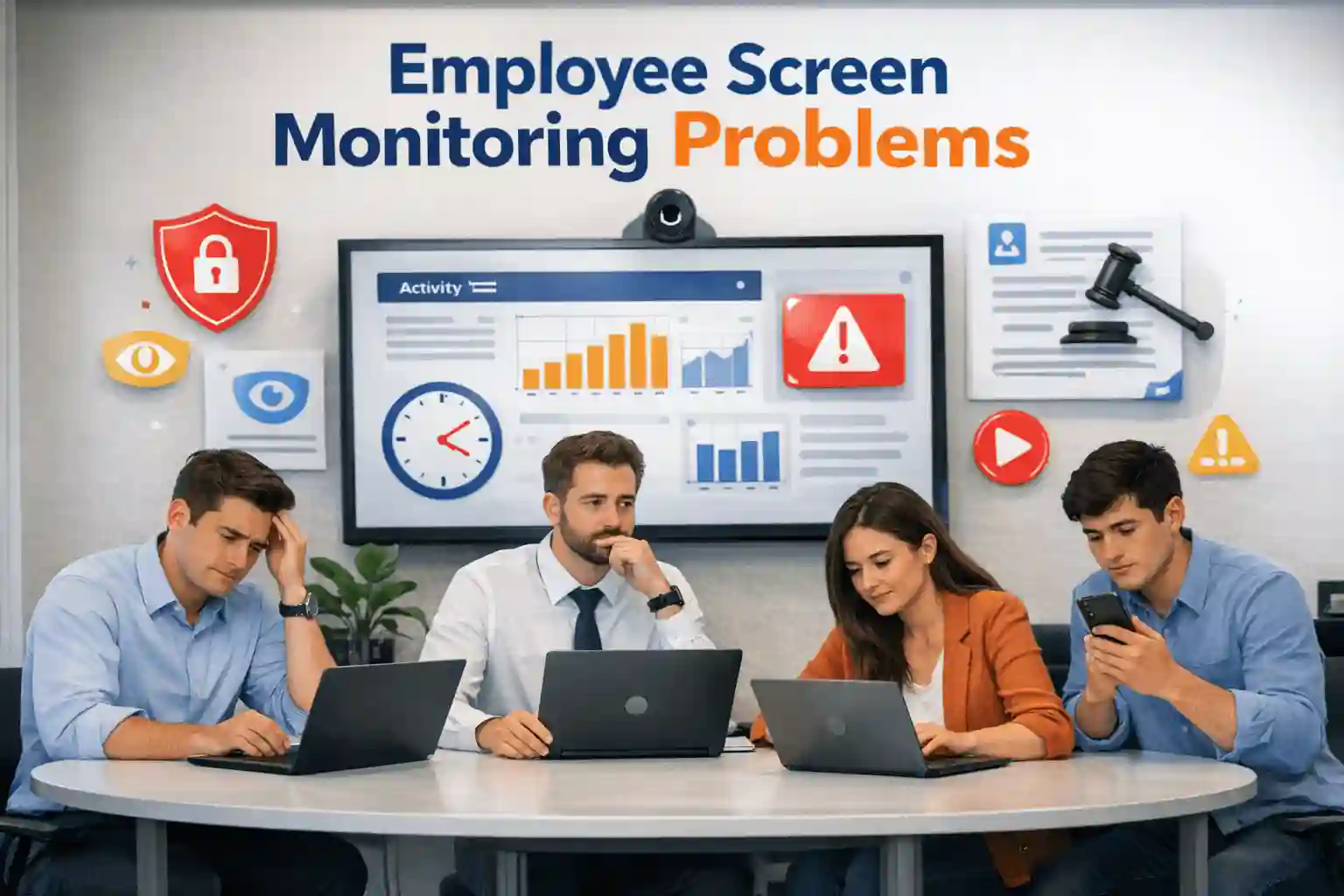
5 Most Common Employee Screen Monitoring Problems
- Employee trust break – Employees feel they their work is constantly tracking
- Privacy issues– Personal data and after working hours activity can be used for wrong things
- Legal risks – If monitoring violates labor laws or data protection
- Negative workplace culture– Excessive monitoring creates a negative culture in the office because employee does not feel good
- False productivity signals – Metrics only measure activity, not results.
These are some common screen monitoring problems you should avoid when monitoring.
Hidden Challenges When Screen Monitoring
There are also some challenges that look small but have a huge negative impact
Stress and Mental Health
When monitoring occurs, employees feel pressured to have their every second recorded, forcing them to constantly appear busy. This pressure can later translate into stress and mental health issues.
Tools Can’t Always Measure True Productivity
Tools can never be 100% sure that an employee is truly productive, because tools show idle time when employees are studying, thinking about how to do their work, and planning their work.
Technical Problems
While normal tools are common, they also have some common technical issues
- Not working properly on all devices
- Slowing down the system
- If not properly set up, security risks increase.
Employee Pushback
Employees may try to bypass monitoring tools by using their own laptops for work and other methods. This can cause problems and make monitoring tools less effective
Thinking You Have Full Control
Managers might think monitoring tools give them full control but this is not true because these tools cannot show the quality of work or how well the team works together.
What are Employee Privacy Concerns?
Employee privacy is important when using screen monitoring. Ignoring it can break trust and sometimes break the law. Things to you have to keep in mind that
Work and personal life boundaries
Employees may use the same computer or network for personal work. Tracking their personal activity can feel wrong.
Handling personal emails, messages, or private info
Monitoring should not see personal messages or private information when it is not needed for official purposes. Using tools for only looking at work data.
Being clear about policies
Employees should know about monitoring from starting to ending because this will help to build trust in employees for monitoring
Legal and Compliance Considerations
Screen monitoring is not just about software it is also controlled by law. Ignoring rules can lead to fines and the company may be at legal risk.
Labor laws and monitoring rules
Different countries and states have laws about how and when employees can be monitored. For example, if we talk about US rules, monitoring rules change by state and in India companies must follow privacy and labor laws.
- Privacy laws like GDPR and CCPA – If employee data is collected in Europe or California these rules apply. They focus on getting permission and collecting only what is needed, and keeping the data safe.
- Internal checks and records – Keeping note of monitoring, employee permission and checks helps protect the company and show that rules are followed.
How Smart Companies Handle Monitoring
Focus on only Productivity Insights
Always use tools to improve productivity and not for personal use
Create Transparent Policies
Always create policies that clearly state what is being monitored and why.
Employee Support
Once you’ve monitored their work, you’ll know how their work is progressing. Then, provide the employee with the support they need.
Train the employee
If an employee is not performing well, instead of firing them, train them on how to do the job better.
Choosing the Right Monitoring Tool
Selecting the right tool for screen monitoring is very important because not all tools are equal or give you real data. If you are looking for the best screen monitoring tool, then first you have to check the features of the tool before purchasing.
- Provide full security
Data should be encrypted and access controlled
- Data accuracy
You have to make sure the tool records actual work activity.
- Integration
Works with your existing HR, productivity, or project management software
- Employee friendly
Avoid tools that feel like spyware you only focus on transparency and optional employee dashboards.
- Choose effective tool like WorkDesQ
WorkDesQ provides productivity tracking data without disturbing employee work and slow down office laptops or computers because this software is very light weighted and not take huge space in RAM .
These are things you must follow before purchasing any tool. If you do not want to face any screen monitoring problem, choose software like WorkDesQ
Best Practices for Employee Screen Monitoring
Good monitoring is not just about software. It also needs clear processes, communication, and regular checks.
- Explain monitoring to new employees – Tell them about whole monitoring process from start to end
- Check if monitoring works – Look regularly to see if the tool gives useful information or too much un wanted data which is not use for employee performance purpose
- Use both numbers and feedback – Do not just depend upon stats you can also ask for employee feedback, surveys or manager notes to understand work better.
- Include employees in improvements – Let employees share ideas to make monitoring fair and useful. It also helps to improving monitoring process.
If you follow this practice you will never face screen monitoring problems and your employees will also support software.
Final Words on Screen Monitoring Problems
Screen monitoring shows data about employee work but depending only on tools is not good because tools cannot fully understand human work. Sometimes employees are busy in meetings or taking official calls but tools may show idle time which is not correct. Use monitoring for official purposes like for improving employee productivity or application usage tracking.
The most important thing is that monitoring should always be ethical and protect employee privacy. Choosing a tool and having clear policies are key to screen monitoring. HR professionals should be transparent with everyone when start monitoring.