User activity monitoring software is a tool designed to identify how employees use computers, applications, and websites during office hours. It helps companies to understand employee action and check unusual activities so that productivity can be improved and security stay safe. Modern user activity monitoring software usually operates through just a very simple process.
- It records user activities across applications, websites and systems.
- It creates detailed records to track user activity.
- It checks work patterns like active time vs idle time.
- It can find unusual or risky activities.
It creates reports that help managers in improving both productivity and security.
Companies use these tools to understand how work is done and rather than depending on guesswork and companies can place their trust in actual activity data. and we would like to mention that best tool for monitoring user activity is our WorkDesQ software.
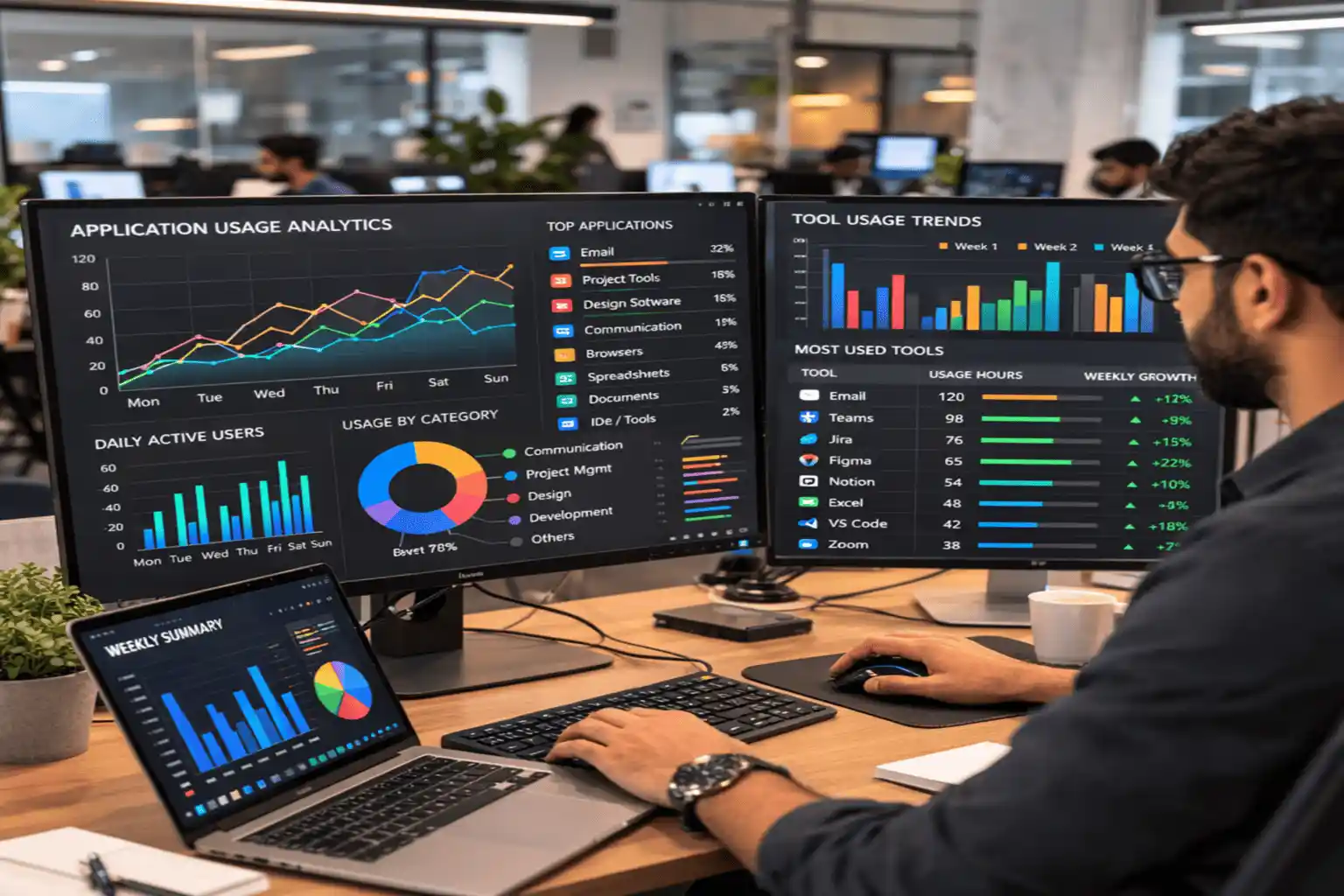
Why Businesses Need User Activity Monitoring Today
Many companies depend a lot on computers and cloud applications for their operations. So, employees perform their work through digital systems. As a result, companies often face several common problems:
- The inability to gain a clear view of daily
- The difficulty involved in monitoring the activities of remote employees.
- Since all work is conducted on computers and cloud applications, the risk of unknown access increases.
- When employees spend too much time on non-work-related applications, it becomes difficult to monitor specific activities occurring within those applications.
- It often becomes impossible to track work-related activities and communications taking place between different departments.
If a company does not use a user activity monitoring system, managers may make decisions based on guesswork.
How User Activity Monitoring Software Works
User activity monitoring software is about just collecting data. Its main goal is to turn that data into useful information so that managers can make the right decision according to their employee activity. This software performs several base tasks:
- Data Collection
The monitoring software installs a small program on employee devices.
- Check application usage in working hours
- How many employee websites visited
- Employee Login and logout times
- Activity Analysis
With this you can identify
- Active working time
- Idle time
- Application usage frequency
- Time spent on work-related tools
- Working Alerts
Many user activity monitoring tools also sending automatic alerts to managers and HR department
Alerts may be triggered when the system finds the following:
- Un wanted file downloads from computer
- Unusual login activity without permission
- Access outside of set working hours
- Installation of unknown software
These alerts help companies quickly find security risks and help to remove them.
- Visual Reports
Monitoring platforms turn raw activity data to make clear reports for managers
Managers can easily view:
- Productivity scores
- Application usage trends
- Daily work patterns
- Risk-related alerts
The Hidden Challenge Most Companies Face
Many companies think that simply using monitoring tools automatically and thinking like all problems are solved automatically related to employee activity but this is not true. When companies start tracking many metrics like user activity monitoring tools generate too much data that becomes difficult to understand. But in the initial stages, you should focus on just three key metrics
- Application usage activity
- Website activity
- Active vs. idle time
These three factors are the most effective in helping to measure productivity. If you would like to identify which specific employee performance metrics are based for you to track, we invite you to read our blog.
Key Features of User Activity Monitoring Software
- Application Usage Monitoring
- Website Activity Monitoring
- User Activity Tracking and Log Management
- Productivity Analytics
- Real-Time Monitoring
When software has all these features, it becomes a complete user activity monitoring tool.
companies actively seek out such tools that offer many features because they usually prefer not to purchase separate tools for individual functionalities. All these features are available in one tool employee work monitoring tool.
Comparing Basic vs Advanced Monitoring Software
Companies usually compare monitoring tools based on the features. Some tools offer only basic tracking and some others tools provide deeper analysis and giving detailed reports.
| Feature | Basic Monitoring Tools | Advanced Monitoring Software |
|---|---|---|
| Application Tracking | Tracks which applications are used | Shows detailed app usage and time spent |
| Website Monitoring | Tracks visited websites | Categorizes websites and shows browsing patterns |
| User Activity Records | Stores simple activity records | Allows advanced filtering and deeper analysis |
| Productivity Analytics | Provides limited insights | Offers detailed dashboards and productivity reports |
| Security Alerts | Few or no alerts | Sends automatic alerts for risky activities |
User Activity Monitoring vs Employee Monitoring
These terms are often used together, but they focus on slightly different areas of workplace management.
| Aspect | User Activity Monitoring | Employee Monitoring |
|---|---|---|
| Focus | Tracks digital behavior on systems | Tracks employee work performance |
| Data Source | Applications, websites, and system activity | Tasks completed and productivity data |
| Primary Users | IT and security teams | Managers and HR teams |
| Main Goal | Improve security and system visibility | Improve productivity and performance |
The Role of Application Usage Monitoring in Productivity
Application usage is an important part of user activity monitoring software. It gives answers to many important questions like
Which tools do employees use most in working hours
Are expensive tools being used well or not
Which applications take so much time in working hours like Canva or Photoshop
This is the real life based example when a manager apply user activity monitoring tool
60 percent of the time was spent on development tools.
20 percent was spent on documentation platforms.
20 percent was spent on communication platforms.
After looking at this data, managers reduced unnecessary meetings and improved the workflow.
Tracking User Web Activity in Remote Work Environments
The demand for user activity monitoring software in remote work environments has increased day by day because most teams operate using browsers and cloud based applications that are not easily monitored. Monitoring software tracks this activity across on major things
Project management tools
Collaboration platforms
Cloud storage services
Communication systems
This information helps companies understand how remote teams work online and with user activity tracking software you can download full reports of work from home employees like what is their idle time or tool usage.
Monitoring in Microsoft-Based Work Environments
Many companies that use Microsoft tools and want to connect monitoring software with their systems. Monitoring tools can connect with
- Microsoft 365
- Windows operating systems
- Active Directory
- Team collaboration platforms
When these systems are connected with companies and can track user activity across the entire Microsoft tool. This will help them understand how employees use company tools like Microsoft word or Microsoft PPT etc.
Signs Your Company May Need Activity Monitoring
Many companies start using user activity monitoring only after problems have already happened. Let us discuss some of these issues are
When companies face difficulties in tracking productivity
An unexplained drop in team performance
When companies fear potential data leaks
Inability to measure productivity from software use. If companies encounter problems in understanding how employees are performing within the organization, user activity monitoring provides them with a clear understanding.
Start Using User Activity Monitoring Software
- Define Monitoring Goals
- Select the Monitoring Area
- Clearly tell Policies
- Start with a Pilot Team
- Regularly Review Reports
You can easily start using user activity software by following these steps. This gives correct employee data.
Conclusion on User Activity Monitoring Software
Modern companies use digital tools and tracking how employees use these tools is often difficult. This presents numerous difficulties for these organizations. This is where user activity monitoring software helps solve these problems.
Monitoring is not about just watching every single action of employee activity. It focuses on how employees use official tools, improving productivity and keeping computer systems safe. A company can only increase growth when its employees perform their duties effectively and using the corporate tools properly