See Productivity in Real Time.
Monitor employee activity, track work hours, and improve team efficiency with powerful insights.
The fastest way to check how much time you spend on the website is to use WorkDesQ website usage tracker for desktop users and for Android mobile users open Settings then tap on Wellbeing select Chrome and tap on Show sites. For iPhone users settings → Screen Time → see all App & Website Activity and check browsing activity time. You can check website visits in Chrome history but that will not show how much time was spent on each website.
People mostly search for this problem because they want to reduce wasted time or they are managing a team like they are checking how an employee works during working hours and you are one of them then do not worry we have exact solutions for these problems.
Can Google Chrome Shows How Much Time You Spent on a Website?
Chrome shows your browsing history but does not show time spent on a website and you can check Chrome history and review your website visits history with date. You get some answers like
- Which website did I visit?
- When did I visit that website?
- Did I visit the website today?
- Which website pages did I open recently?
But you cannot see time spent on each website because Chrome does not have features like these.
How to Check Website Time on Your Device
This method depends on the device you are using and the type of information you want to check.
On a computer
You can check browser history on Windows and Mac
- Open Chrome
- Tap on the three-dot menu
- Select History
- Then select History
- Search for the website name
- Review dates and time of the pages
What Is the Difference Between Website Visits and Time Spent?
| Point | Website Visit | Time Spent |
|---|---|---|
| Meaning | Number of website visits | Total time spent on website |
| Measure | How many times you visited | How long you stayed |
| Example | 3 visits to a website | 30 minutes spent |
| Useful for | Finding frequently visited websites | Finding the website where you spend the most time |
How to Track Website Time Automatically
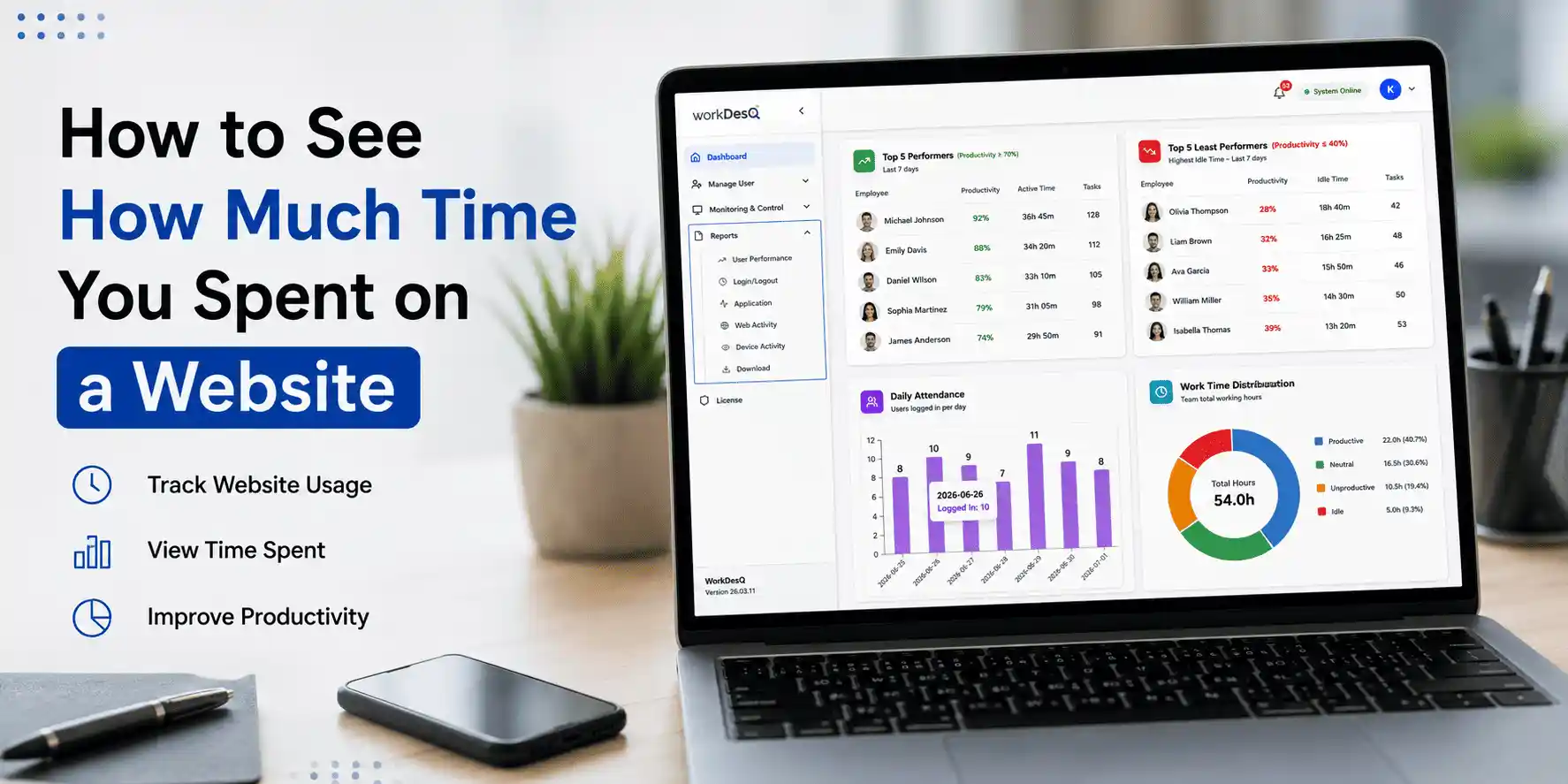
1. Install a tracking tool like WorkDesQ
First, you have to install the WorkDesQ website tracking tool and this tool records website activity.
2. Check time spent on different websites
Check the time spent on every website and with this you understand which website takes the most time.
3. Review daily and weekly activities
Check daily website activity to understand time spent on website usage.
4. Group websites into useful categories
Divide website usage into categories like work, communication, learning and entertainment.
5. Create simple reports
Make a simple report after collecting website usage data so everyone can understand easily how much time is spent on websites.
6. Compare website usage over time
Compare the time spent on websites each week and with this you will understand the changes and improvements.
For example, WorkDesQ tracks website usage and provides time spent reports for each website and this method is more useful because it automatically collects data and organizes it properly.
Monitor Website Time, Compare Usage and Improve
Why Does Website Time Tracking Matter?
Website usage tracking is important but users are not only seeing only how much time is spent on a website. Users also want to understand whether the time is useful or not. You can easily understand
- Which websites are used the most during work
- Understand the difference between non-work website usage
- Identify time-wasting websites
- Improve website usage for daily and weekly
How to Check Website Time for a Specific Day
This is possible when you use the WorkDesQ tool because Chrome or any browser not tells you the time spent on a website for a specific day. With website usage tracker you can see
- Open website tracking in the software
- Select the date and time
- Choose the website
- Check total time spent on a specific day
Final Words on Time You Spent on a Website
To track time spent on websites you need to use website usage tracking software which gives a clear picture so you can see exact time spent on a date or by website name.
Modern companies can save their time by using tools like WorkDesQ which provide full details about website usage and help you understand where your employees spend their working hours.
The most useful website time report does more than count visits, it helps you understand how long you use different websites, whether that time supports the work or the activity you want to complete.